From Coffee to Groceries: The Everyday Power of Your Digital Wallet
27 October 2026
Your digital wallet is probably the most underrated piece of financial technology you own. Most people set it up once, link a card, and forget about it. That is a bit like buying a Swiss Army knife and only using the toothpick. A digital wallet can do far more than tap-and-pay for a latte. It can help you organize your spending, protect your card details, track subscriptions, split bills with friends, and even keep your loyalty cards from turning into a wallet-shaped brick.
The goal here is not to convince you to abandon cash or cards. It is to show you what these tools actually do well, where they fall short, and how to get real everyday value out of the one you already carry in your pocket.
What a Digital Wallet Actually Is (And What It Is Not)
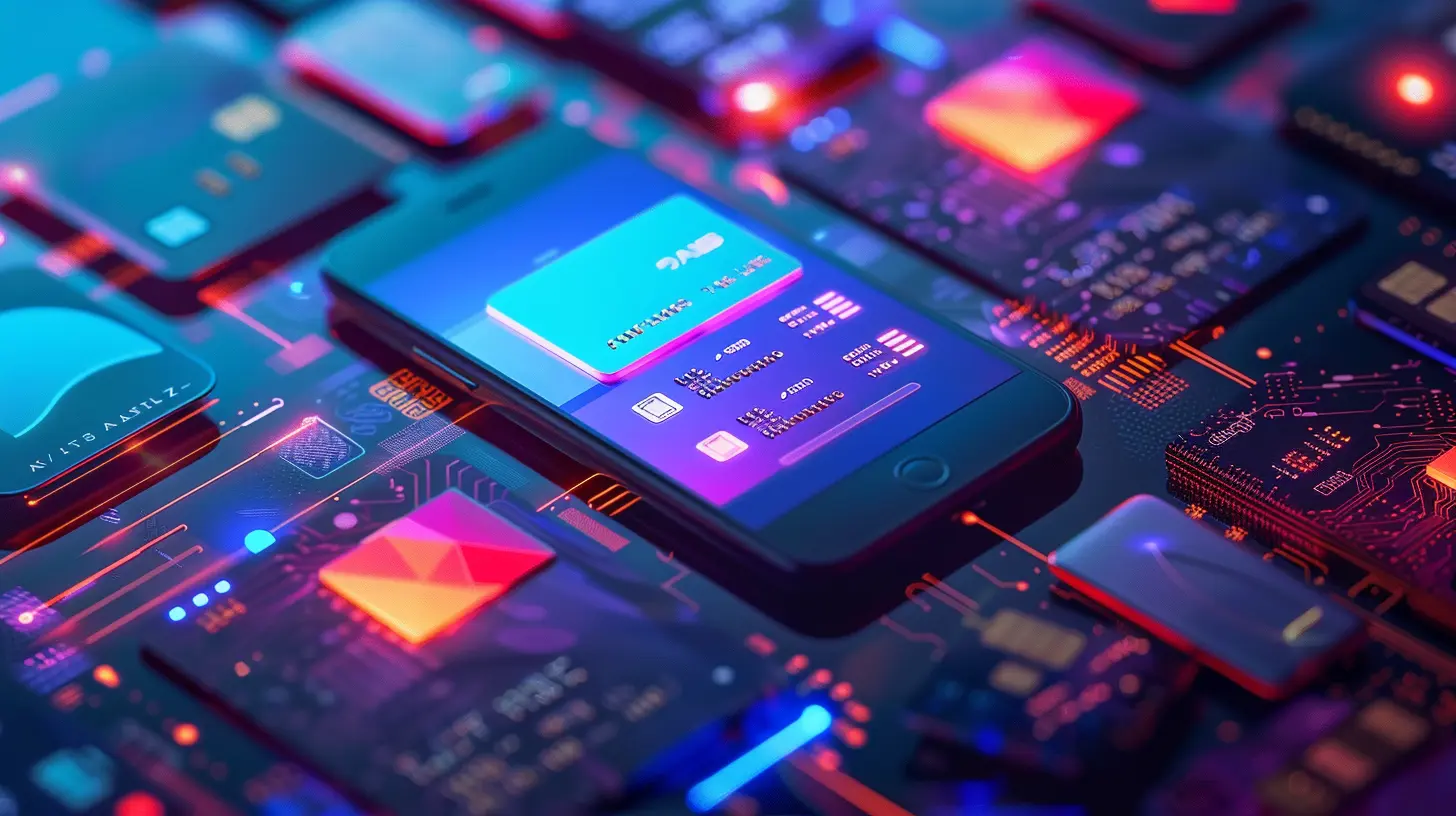
A digital wallet is software that stores payment credentials and other financial information on a device, then uses them to complete transactions. Apple Pay, Google Wallet, and Samsung Wallet are the best-known examples. PayPal and various banking apps also function as wallets. The key idea is that the wallet holds a tokenized version of your card, not your actual card number.That distinction matters. When you add a card to a wallet, the provider typically replaces your card number with a unique digital token. The merchant receives the token, not your real credentials. If a store gets breached, your actual card number was never there to steal. This is one of the clearest security advantages of wallets over physical cards, and it is the reason many security professionals prefer them for everyday purchases.
What a digital wallet is not: it is not a bank account, it is not a budgeting app by itself, and it is not a replacement for understanding your money. It is a tool that sits between you and your accounts. Treat it that way and it will serve you well.

Why Tapping Your Phone Beats Swiping Your Card More Often Than You Think
The security argument is stronger than most people realize. A physical card carries a static number printed on it. Anyone who sees it, photographs it, or skims it can use it later. A wallet token is generated for a specific device and can be revoked remotely if your phone is lost. You can wipe a wallet from another device in minutes. You cannot unprint a card number.There is also a practical layer. Wallets keep your transaction history in one place, often with merchant names and locations attached. That makes it easier to spot a charge you do not recognize. With a physical card, you usually have to wait for a statement or open a banking app and dig.
The trade-offs are real, though. Not every terminal accepts mobile payments, especially at smaller businesses, older parking meters, or certain online checkouts. Battery life is a genuine dependency. And some people find the tap gesture slower than pulling out a card when they are already holding a physical wallet. The honest answer is that wallets are better for most in-person purchases and most online checkouts, but you should still carry a backup card. Redundancy is not paranoia. It is basic planning.
The Coffee Test: Small Purchases and the Psychology of Friction
Buying coffee with your phone feels effortless. That is the point, and it is also the risk. When payment friction drops, spending can rise. Researchers call this the "pain of paying" effect: handing over cash feels like a loss, while a tap feels almost abstract. Wallets sit somewhere in the middle. They are more frictionless than cash but usually more visible than a stored card on a shopping site, because you see the total and confirm the transaction.Here is a practical habit that works well: use your wallet for small, frequent purchases, but review the wallet's transaction list weekly. Most wallets show recent activity clearly. A two-minute weekly scan catches duplicate charges, forgotten subscriptions, and the slow creep of small purchases that add up. A daily coffee at four dollars is roughly 1,460 dollars a year. That number is not meant to shame anyone. It is meant to show why small purchases deserve the same attention as big ones.
If you want to go further, many wallets let you choose which card is the default. Consider setting a rewards card as the default for everyday spending and a different card for categories where another card earns more. You can switch the default in seconds before a purchase. That small act of intentionality turns a mindless tap into a small financial decision.
Groceries, Gas, and the Bigger Basket
Larger purchases are where wallets shine for a different reason: receipts and records. Many wallets attach merchant data to transactions, and some integrate with receipt-scanning or expense apps. If you track your grocery spending, paying with a wallet often gives you a cleaner digital trail than a physical card, because the transaction appears instantly with the merchant name.There is a caveat worth knowing. Some loyalty programs and store cards work better when you present the physical card or scan a barcode, and not every wallet stores loyalty cards elegantly. Apple Wallet and Google Wallet both support adding loyalty cards, but the experience varies by retailer. Before you commit to a wallet-only grocery run, test it at your usual store. If the cashier has to scan a barcode from your phone screen and the scanner struggles, you will know quickly.
Gas stations deserve a mention because they are a common friction point. Many pumps accept mobile payments, but some require you to go inside or use a specific app. Pay-at-the-pump with a phone works at many locations but not all. Keep a physical card in the car for the stations that do not cooperate. This is not a failure of the technology. It is a normal part of a transition period that has been going on for years.
Security: What the Wallet Protects and What It Cannot
Wallets protect your card number through tokenization, and they typically require biometric or passcode authentication before a payment. That is a meaningful barrier. A thief who grabs your unlocked phone still cannot pay without your fingerprint or face in most setups, and a locked phone is close to useless to them.What wallets cannot do is protect you from yourself. If you approve a payment to a scammer, the token does not help. If you save card details in a browser or a shopping app outside the wallet, you lose the tokenization benefit. If you share your device passcode carelessly, you weaken the whole chain.
A few sensible practices:
- Enable the strongest device lock available, and keep it private.
- Turn on transaction notifications for every card in your wallet. Instant alerts are the fastest way to catch fraud.
- Review which cards are stored and remove ones you no longer use. Fewer credentials means a smaller surface area.
- Know how to remotely wipe your device and revoke wallet credentials. Most providers let you do this from a web browser.
- Be skeptical of any message asking you to re-enter wallet credentials. Legitimate providers do not ask for card numbers by text or email.
One common misconception: people assume mobile payments are riskier because "it is all on the phone." In practice, the opposite is often true. The phone is a locked, encrypted device with biometric access. A card in your pocket is a piece of plastic anyone can photograph.
Budgeting With a Wallet: What Works and What Does Not
Wallets are not budgeting apps, but they can feed better budgeting. The transaction data they generate is more consistent and better labeled than cash, and it is available immediately. If you use a budgeting app that connects to your accounts, wallet transactions usually flow through automatically because they settle on your linked card.The mistake people make is expecting the wallet itself to enforce a budget. It will not. A wallet does not know that you meant to spend 300 dollars on groceries this month. It just pays. Budgeting still requires a plan and a periodic review.
That said, wallets make a few budgeting habits easier:
- Category visibility. Because merchant names are clear, you can spot which spending category is drifting.
- Subscription tracking. Recurring charges are easier to identify when you see them in a single feed.
- Bill splitting. Many wallets and peer-to-peer apps let you request or send money instantly, which reduces the awkwardness of shared expenses.
- Virtual cards. Some providers let you create a virtual card number for a specific merchant or subscription. If the subscription raises its price or gets compromised, you can cancel that single virtual number without replacing your main card. This is one of the most useful and least discussed wallet features.
If you want a simple system, try this: keep one card as your everyday default, use a second card for recurring subscriptions, and review both lists monthly. The wallet makes the review fast. The discipline is still yours.
Common Mistakes and How to Avoid Them
Mistake one: treating the wallet as a backup. Some people add a card and then keep using the physical one out of habit. That is fine, but you lose the security benefit. Pick one default and use it consistently so the habit sticks.Mistake two: ignoring the default card setting. If your default is a debit card, you may be missing rewards you would earn on a credit card, or you may be exposing your checking account more than necessary. Check the setting and set it deliberately.
Mistake three: storing every card. Old cards, expired cards, and cards you rarely use clutter the wallet and widen your exposure. Clean it out periodically.
Mistake four: assuming acceptance is universal. Test new places before you rely on them. Keep a backup. This is not defeatism. It is realism.
Mistake five: skipping notifications. Transaction alerts are the single highest-value setting in any wallet. Turn them on.
Mistake six: confusing the wallet with the account. If a charge is wrong, you dispute it with the card issuer, not the wallet provider. Knowing who to call saves time and frustration.
When a Digital Wallet Is the Wrong Tool
Wallets are not always the best choice, and pretending otherwise does not help anyone.If you are trying to control impulse spending, the frictionlessness of a wallet can work against you. Some people find cash or a single dedicated card more effective because the act of paying feels more deliberate. That is a legitimate strategy, not a failure.
If you need a paper trail for reimbursement or tax purposes, a physical receipt or a card statement may be easier to submit than a wallet screenshot. Check what your employer or accountant accepts before you rely on wallet records.
If you are traveling somewhere with limited mobile payment infrastructure, cash and a physical card remain essential. Wallets work best where the payment rails support them.
And if you share a device with family members, think carefully about which cards are stored and whether the device lock is strong enough. Convenience and shared access can conflict.
Practical Setup: A Ten-Minute Tune-Up
If you have not looked at your wallet settings in a while, here is a short checklist.1. Open the wallet and list every card stored. Remove anything you do not actively use.
2. Set your default card intentionally. Match it to your rewards strategy or your budgeting plan.
3. Turn on transaction notifications for every card.
4. Confirm that your device lock is strong and that biometric authentication is required for payments.
5. Add your most-used loyalty cards if the wallet supports them, and test one at checkout.
6. Find the remote wipe and credential revocation options and confirm you know how to use them.
7. If your provider offers virtual cards, create one for your least-trusted subscription and see how it feels.
8. Do a weekly two-minute review of recent transactions for the first month. Adjust as needed.
None of this takes long. The payoff is a wallet that works the way you intend, not the way it was set up by default.
The Bigger Picture
The everyday power of a digital wallet is not that it lets you pay with your phone. Plenty of things let you pay. The power is in the combination: better security for your card details, cleaner records for your spending, faster reviews, and a small nudge toward intentionality every time you choose which card to use.Treat your wallet as a financial tool rather than a gadget, and it will quietly improve how you handle money from the coffee counter to the grocery aisle. Start with one setting change today. The rest will follow.
all images in this post were generated using AI tools
Category:
Digital WalletsAuthor:

Yasmin McGee