Smartphone Apps That Actually Save You Money
30 October 2026
Most personal finance apps make a simple promise: download this, and you will spend less. The reality is messier. Some apps genuinely change behavior, some simply report on behavior you already have, and a few quietly cost you money through subscriptions or by nudging you toward products that benefit the app's business partners rather than your budget.
The difference between an app that saves money and one that just feels productive comes down to a single question: does it change what you do, or does it only change what you know? Awareness matters, but awareness without friction or automation rarely survives a busy month. The apps that work tend to do one of three things well. They remove a recurring cost, they make a costly habit harder, or they capture money you would otherwise leave on the table. Everything else is a dashboard.
This guide separates the categories that reliably produce savings from the ones that mostly produce notifications. It also covers the trade-offs, the mistakes people make when adopting these tools, and how to decide whether a given app deserves a place on your phone.
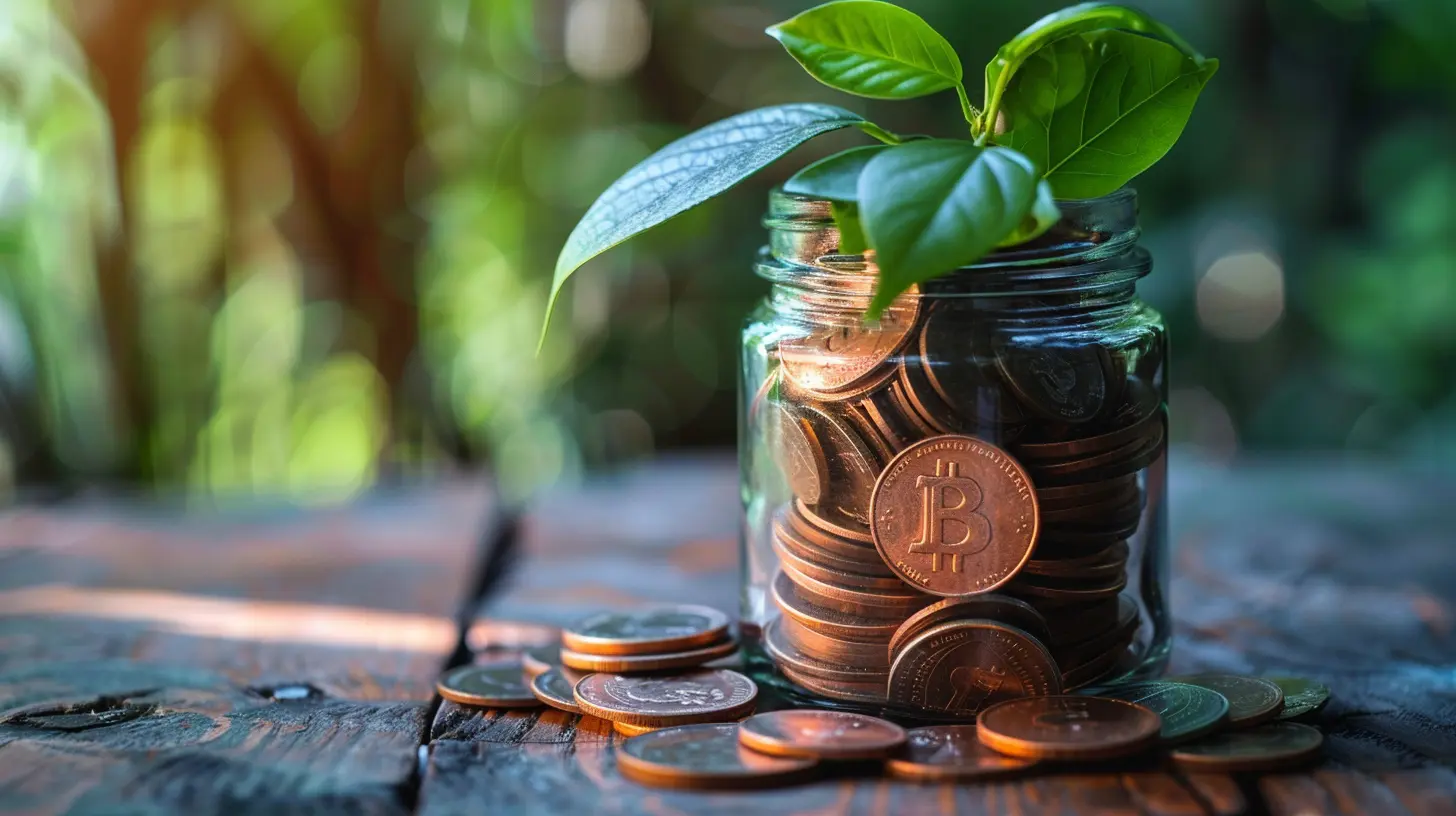
The Core Principle: Apps That Save Money Change Behavior, Not Just Reports
Before evaluating any app, it helps to understand why most budgeting tools fail to move the needle. A budgeting app that shows you spent 340 dollars on dining last month is informative, but the money is already gone. The information arrives after the decision, which is the worst possible time to influence it.Apps that actually save money intervene earlier in the process. They sit between you and the transaction, or they operate in the background so the saving happens without willpower. Think of the difference between a fitness tracker that logs your steps and an alarm that gets you out of bed. Both are useful, but only one changes outcomes on its own.
This framing gives you a practical test. When you consider an app, ask where in the money flow it operates:
- Before the purchase: does it add friction, surface a cheaper alternative, or enforce a limit?
- During the purchase: does it automatically apply a discount, cashback, or better rate?
- After the purchase: does it recover money through refunds, negotiations, or rewards?
- Independently of purchases: does it reduce a fixed cost like a subscription, insurance premium, or bank fee?
Apps that only operate after the fact and require manual review tend to be abandoned within weeks. Apps that operate automatically or create useful friction tend to stick.

Subscription Auditing Apps: Finding Money You Forgot You Were Spending
Recurring charges are the quietest leak in most budgets. A streaming service here, a cloud storage plan there, a fitness app you used twice in January. Individually they look trivial. Together they often add up to more than a car payment.Several apps and banking features now scan your transaction history and flag recurring charges. Some go further and offer to cancel subscriptions on your behalf, sometimes for a fee or a share of the savings. The category is genuinely useful, but the business models vary enough that you need to read the fine print.
How subscription finders work
These tools connect to your bank or card accounts through a data aggregator, scan for repeating merchant charges, and present them in a list. The good ones distinguish between fixed subscriptions and variable recurring bills like utilities, so you are not asked to cancel your electricity.The value is obvious: people routinely underestimate how much they spend on subscriptions because the charges are small and automatic. A single annual review often surfaces hundreds of dollars in charges the user had genuinely forgotten about.
The trade-offs you should weigh
The main concern is data access. To scan your transactions, these apps need read access to your accounts, usually through a third-party aggregator. That is a real trade-off, and you should check whether the app can only read data or can also initiate payments. Read-only access is meaningfully safer.The second concern is the cancellation service model. Some apps charge a percentage of what they save you, which can be a fair deal if the savings are large, but it also means you are paying for something you could do yourself in twenty minutes. If your subscription list is short, manual review inside your banking app is often enough. If it is long and tangled, a dedicated tool earns its keep.
A practical approach
Start with your bank's own recurring payment view, which many institutions now offer for free. If that is not available or too limited, consider a subscription auditor, but prefer one with a flat fee over a percentage-of-savings model, and cancel the app itself once you have cleaned house. This is a tool you use periodically, not a permanent subscription. Using a subscription-canceling app that charges a monthly fee to find subscription waste is a mild irony worth avoiding.
Cashback and Rewards Apps: Real Savings With Real Conditions
Cashback apps are among the most popular money-saving tools, and they do work, but the savings are smaller and more conditional than the marketing suggests. The mechanics matter enormously.How cashback actually works
Retailers pay affiliates for sending them customers. Cashback apps take a slice of that commission and pass part of it to you. This means the cashback is funded by marketing budgets, not by magic, and it exists only for merchants that run affiliate programs. Grocery stores, discount retailers, and many local businesses often do not.There are two main models. Browser extension and link-based apps require you to start your shopping through their platform so they can track the referral. Receipt-scanning apps ask you to upload a photo of your receipt after the purchase and match it to offers. The first is more automatic, the second works in more places.
Why the savings are real but modest
A typical cashback rate runs from one to five percent, with occasional promotional spikes. On a 200 dollar purchase, that is two to ten dollars. Useful, but not transformative, and only if you were going to buy the item anyway.The failure mode is obvious: shopping through a cashback portal can encourage purchases you did not plan. If a five percent rebate prompts a 100 dollar purchase you would not otherwise have made, you have lost 95 dollars, not saved five. The rule is simple. Cashback is a discount on planned spending, never a reason to spend.
Common mistakes with rewards apps
- Chasing elevated rates on categories you do not need. A 15 percent rebate on a product you will never use is zero savings.- Forgetting to activate offers before checkout. Many apps require a manual click, and the rebate is void if you skip it.
- Ignoring payout thresholds. Some apps only pay out once you reach a minimum balance, and small balances can sit for months.
- Double-dipping incorrectly. Stacking a cashback app with a coupon code from another source sometimes breaks tracking, and you end up with neither.
When cashback apps are worth it
If you already shop online regularly and you are disciplined about buying only what you planned, a cashback app is close to free money. It takes a few seconds per purchase and requires no behavior change beyond starting at the right link. If you are prone to impulse buying, the app is more likely to cost you than save you.
Grocery and Coupon Apps: Where Small Savings Compound
Grocery spending is one of the few budget categories where small, repeated savings genuinely compound, because you shop every week. A five dollar saving per trip is 260 dollars a year. That is meaningful, and it comes from a category where most households have real flexibility.Digital coupons and store loyalty apps
Most large grocery chains now push their best deals through their own apps rather than printed circulars. The catch is that you often have to clip the digital coupon in the app before checkout, and the discount does not apply automatically. This is a deliberate friction designed to reward engagement, and it means the app only saves you money if you actually use it before you shop.A workable habit is to spend three minutes the night before a grocery run clipping the offers you will realistically use. Do not clip everything. Clipping an offer for a product you would not buy is how coupon apps turn into spending apps.
Receipt and price-tracking apps
Some apps let you scan receipts for rebates on specific items, and others track prices across stores so you can see whether a sale is real. Price tracking is underrated. A "was 8.99, now 6.99" label means little if the item regularly sells for 6.50 elsewhere. A price history tool gives you the context to judge.The time-versus-savings calculation
Here is the honest trade-off. Coupon and grocery apps can save a household several hundred dollars a year, but they demand attention. If you value your time highly and your grocery spending is already lean, the marginal savings may not justify the effort. If you have the time and your grocery bill is a significant line item, the math usually favors using them.Automated Saving and Round-Up Apps: Making Saving Invisible
The most reliable savings app is the one that saves without asking you. Automation removes the moment of decision, which is where most saving plans die.How round-up and auto-transfer apps work
Round-up apps link to your card and round each purchase up to the nearest dollar, sweeping the difference into a savings or investment account. Auto-transfer apps move a fixed amount on a schedule you set. Both rely on the same insight: people save more reliably when the saving happens before they see the money.The behavioral logic is sound. A 40 cent round-up is invisible, and a 50 dollar automatic transfer on payday feels like a bill you pay yourself. Over a year, these small automatic moves add up to a meaningful cushion.
Where these apps can go wrong
The most common problem is overdraft risk. If your checking balance runs thin before payday, round-ups and auto-transfers can trigger overdraft fees that wipe out months of savings. Before enabling any automated sweep, check whether the app pauses transfers when your balance is low, and consider linking it to an account with a comfortable buffer.The second issue is investment-flavored round-up apps. Some route your spare change into a brokerage account. That can be a reasonable way to start investing, but it also introduces market risk and, in some cases, monthly fees that exceed the round-up amounts for small balances. A two dollar monthly fee on a 60 dollar balance is a terrible deal. Read the fee schedule before you sign up.
Best practice for automated saving
Set the transfer amount low enough that you will never miss it, and raise it only after two or three months of clean transfers. Treat the savings account as off-limits for routine spending, ideally at a different institution, so the money is slightly harder to reach. The goal is a system that works on your worst month, not your best.
Bill Negotiation and Rate-Cutting Apps
Some of the largest savings available to households are not in the shopping cart but in the fixed bills: internet, mobile phone, insurance, and utilities. These costs are sticky because switching is annoying, and companies know it.How negotiation services work
A handful of services will contact your providers and negotiate a lower rate, either by finding a better plan or by pressing for a retention discount. Some charge a flat fee, others take a percentage of the savings they secure.The percentage model deserves scrutiny. If a service saves you 200 dollars a year and takes 40 percent, you keep 120 dollars and lose the ability to repeat the negotiation yourself next year. For a one-time task you could do with a phone call, that is a steep cut. The flat-fee model is easier to justify.
Doing it yourself
A scripted call to your internet or mobile provider asking for the current promotional rate, mentioning a competitor's offer, and being willing to speak with a retention department often produces a real discount. It takes thirty minutes and costs nothing. Apps that remind you when promotional rates expire and prompt an annual review can be genuinely useful here, even if they do not negotiate for you.Insurance and rate comparison
Comparison tools for insurance and loans can surface meaningful differences, but they are lead-generation businesses. They make money when you buy through them, which does not make the comparison wrong, but it does mean the results are not exhaustive. Use them as a starting point, then check a couple of providers directly. The savings on home and auto insurance from a single comparison are often larger than a year of cashback on everyday spending.Apps That Do Not Save Money (Even Though They Look Like They Do)
Part of choosing well is recognizing the tools that mostly generate activity without changing outcomes.Pure expense trackers
Manual expense tracking has real value for a month or two when you are trying to understand your spending. As a permanent habit, it demands constant input and produces insight after the fact. Most people abandon it. Use it as a diagnostic, not a lifestyle.Gamified investing and trading apps
Apps that make investing feel like a game, with confetti and streaks, tend to increase trading frequency. Frequent trading is associated with worse outcomes for ordinary investors because of costs, taxes, and poorly timed decisions. A boring app that automates index fund purchases is more likely to build wealth than an exciting one that encourages you to check it daily.Shopping apps with "deals" as the main feature
Deal-hunting apps can save money on planned purchases, but their business model depends on showing you things you did not intend to buy. If you open the app without a specific item in mind, you are the product. Use them with a list, or not at all.Free apps with expensive subscriptions
Many finance apps offer a free tier that is genuinely limited and a paid tier that costs more than the savings it produces. Before subscribing, estimate the realistic annual savings. If the app costs 60 dollars a year and saves you 40 dollars in cashback, the math does not work, no matter how good the interface is.
How to Evaluate a Money-Saving App Before You Install It
A short checklist will save you from most bad downloads.1. Identify the mechanism. Does the app reduce a cost, capture a rebate, or automate a transfer? If you cannot state the mechanism in one sentence, it is probably a dashboard.
2. Estimate the annual savings honestly. Use your actual spending, not a promotional example. Subtract the subscription fee.
3. Check the data access. Read-only bank connections are preferable to payment initiation. Understand what the app can see and do.
4. Look for the exit. Can you cancel easily, export your data, and close the account? Apps that make cancellation hard are telling you something.
5. Test with a small commitment. Run the app for one billing cycle before committing to an annual plan.
6. Set a review date. Calendar a check-in in three months. If the app has not produced measurable savings, remove it.
Putting It Together: A Sensible Stack
The most effective setup is small. A typical household gets most of the available savings from a handful of tools working in different parts of the money flow.- An automated transfer to a savings account, set low enough to survive a bad month.
- A cashback layer for planned online purchases, used only when you were buying anyway.
- A grocery store app for digital coupons, checked briefly before each shop.
- An annual subscription audit, done manually or with a temporary tool.
- A yearly bill review, ideally prompted by a calendar reminder rather than a paid service.
That stack costs little or nothing, requires maybe fifteen minutes a week, and addresses the biggest leaks: forgotten subscriptions, unplanned grocery spending, missed rebates, and fixed bills that quietly creep upward.
The deeper point is that apps are multipliers, not sources. They amplify habits you already have. If your spending is intentional, these tools capture savings that would otherwise slip away. If it is not, they mostly add notifications. The most powerful money-saving app on your phone is still the one that makes you pause before you tap buy, and no download can install that for you.
all images in this post were generated using AI tools
Category:
Frugal LivingAuthor:

Yasmin McGee